Introduction
About the BCS ONE App
BCS ONE is a free mobile app for managing IP video surveillance systems and PulsON Alarm Intrusion and Hold-up Alarm Systems (I&HAS). The app supports BCS and PulsON Alarm devices. It allows you to remotely arm and disarm the alarm system, control user outputs (turn programmable outputs on/off), trigger a panic alarm, and receive push notifications about system events. BCS devices can be connected via a static IP address on the Internet or the BCS P2P cloud service (the BCS P2P Cloud supports only POINT series products).
Who This Manual Is For
This manual is intended for users of the BCS ONE app who operate the PulsON Alarm security system from a phone or tablet. It describes functions related to the Intrusion and Hold-up Alarm System (I&HAS): logging in, arming and disarming partitions, controlling user outputs, panic alarms, notifications, and event history. The video monitoring (CCTV) functions of the BCS ONE app are not covered in this document.
Requirements and Compatibility
The BCS ONE app is available for mobile devices running Android and iOS / iPadOS. Minimum system requirements:
| Platform | Device | Requirements |
|---|---|---|
| Android | Smartphone / tablet | Android 10 or later |
| iOS | iPhone | iOS 12.0 or later |
| iPadOS | iPad | iPadOS 12.0 or later |
| iOS | iPod touch | iOS 12.0 or later |
To use the PulsON Alarm system via the app, the system must be connected to the cloud server, and you must have a user code with permissions for the mobile app configured in the panel.
Warning
The app uses loud, high-priority notifications (so-called critical/alarm notifications), which can wake up the phone and play even in Do Not Disturb mode. This ensures that the user is notified of important events in the alarm system (e.g., an alarm). When you first launch BCS ONE, it will ask for access to the required phone features—including notifications and the permissions needed to play these alerts. Without granting these permissions, some notifications may not work properly.
Downloading the App (Android / iOS)
The BCS ONE app can be downloaded for free from the Google Play Store (Android) and the App Store (iOS / iPadOS):

- Google Play: https://play.google.com/store/apps/details?id=pl.bcsone
- App Store: https://apps.apple.com/pl/app/bcs-one/id6738691867
Instructional Video
The video below provides a brief overview of managing the PulsON Alarm system in the BCS ONE app: adding a panel, managing partitions, arming and disarming, and configuring notifications.
BCS ONE & PulsON Alarm — Alarm and Notification Management in the App
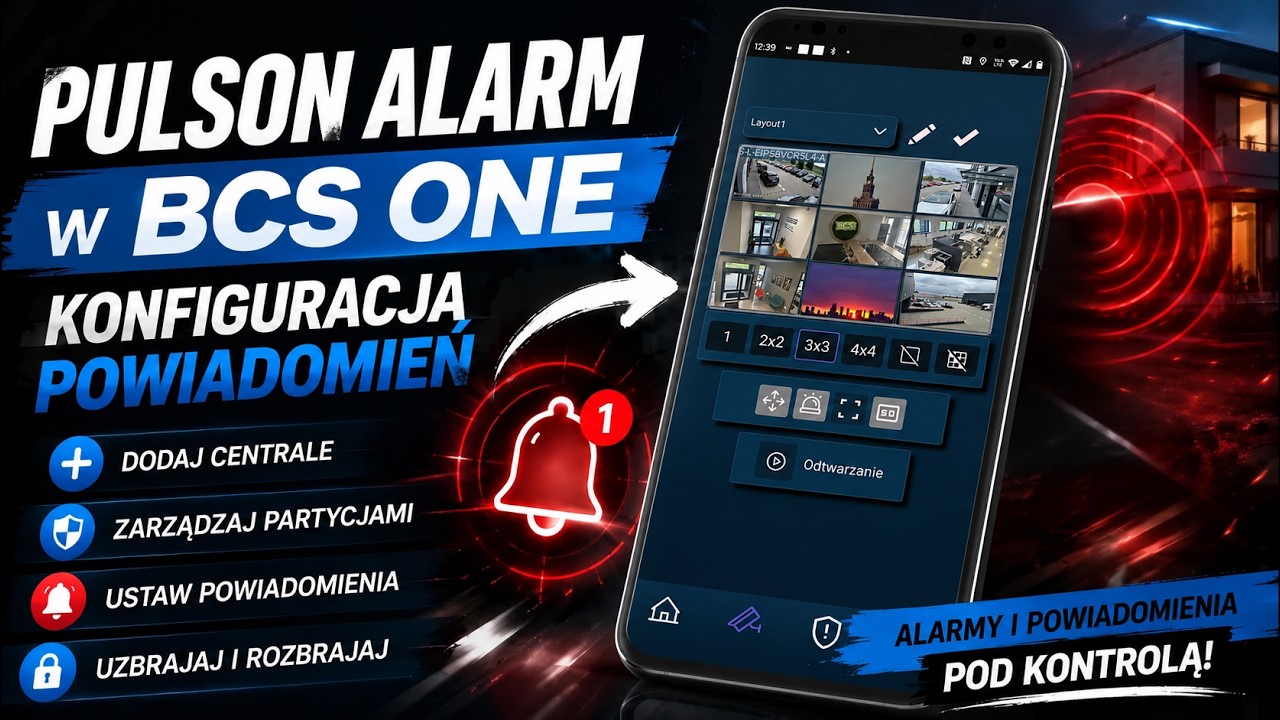
YouTube video: https://www.youtube.com/watch?v=TiCpCMBJWRg